How do I save a market to my watchlist?
Watch areas are how your dashboard stays focused on the markets you care about, surfacing their scores and any new signals without re-searching.
- 1
Find a market — search from any page, or open one from the Explore map.
- 2
Add it to your watchlist from the market page (the "Add to Watchlist" button) or from Settings → My Markets. For land, you can watch a specific county + acre tier.
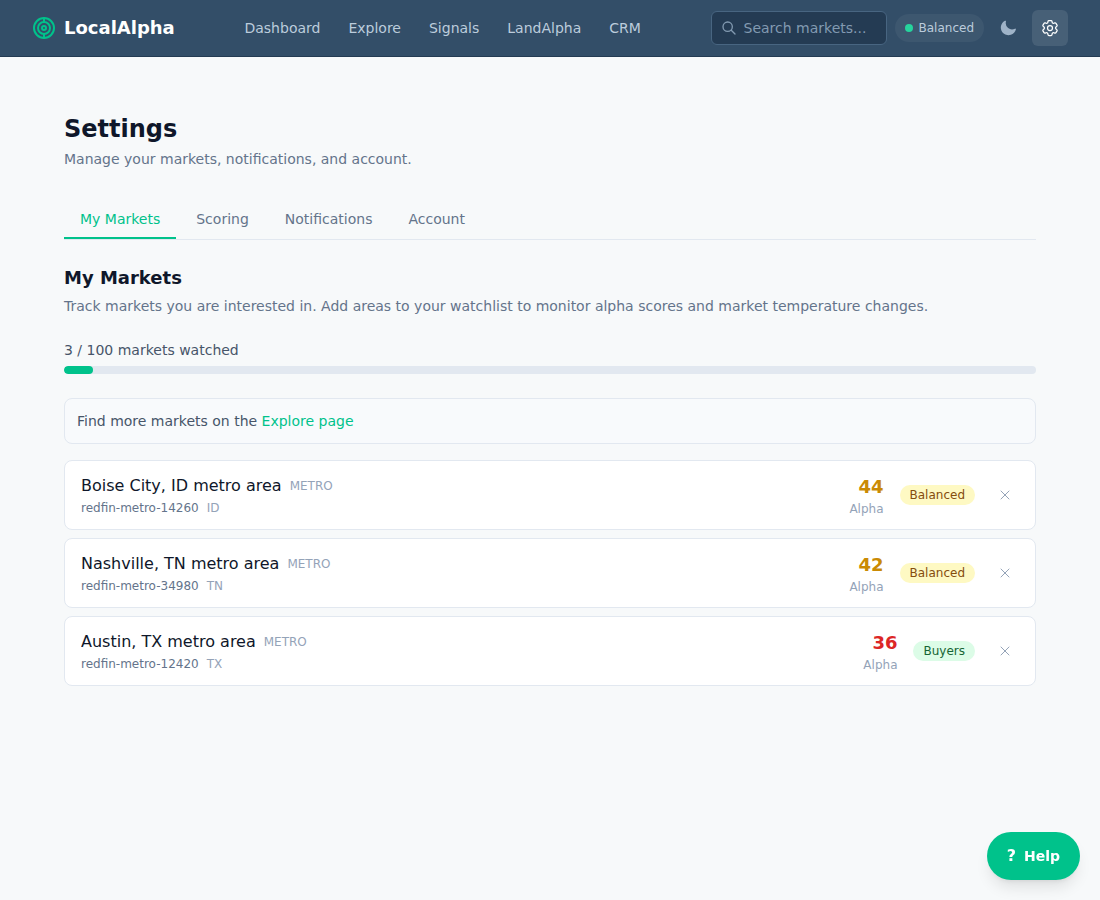
Manage watched markets under Settings → My Markets. Your plan sets the cap — free tracks up to 3; Pro and Land Alpha are unlimited. - 3
Track it on your dashboard — watched markets surface there with their live Alpha Score and any new signals, so you don’t have to re-search.
Last updated 2026-06-18