How do I interpret market signals?
Signals are derived from the same nightly pipeline as the scores, so they reflect the latest available data for that market.
- 1
See active signals on the Signals page or your dashboard — alerts across the markets you watch.
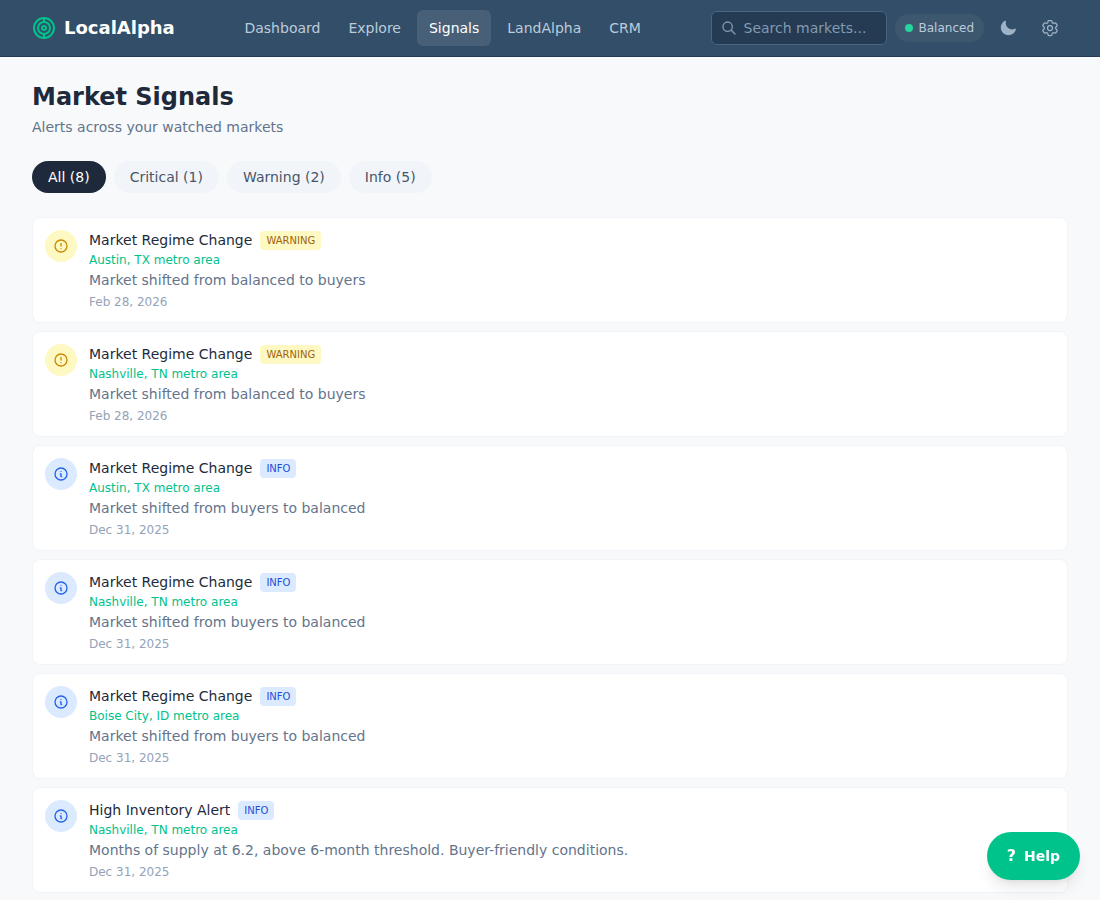
The Signals page lists alerts across your watched markets. Filter by severity — Critical, Warning, or Info — along the top. - 2
Read the severity — each signal is Info, Warning, or Critical. A regime change, price acceleration/deceleration, low/high inventory, an affordability crisis, or a market newly tipping into overvalued each trips its own signal.
- 3
Treat it as a prompt, not an instruction. A single signal is one data point; the strongest reads come when a signal agrees with the dimension breakdown and the score trend.
Last updated 2026-10-24